Offered by: ASET Bangladesh
Type: 100% Free | Lesson + Quiz Based | Auto Certificate
Duration: 3 Lessons (can be completed in 1 day or separately)
Target Group: Students, Job Seekers, Homemakers, Beginners
Certificate Title: Certified Computer User (ASET Bangladesh)
🧩 Course Objectives:
By the end of this course, learners will be able to:
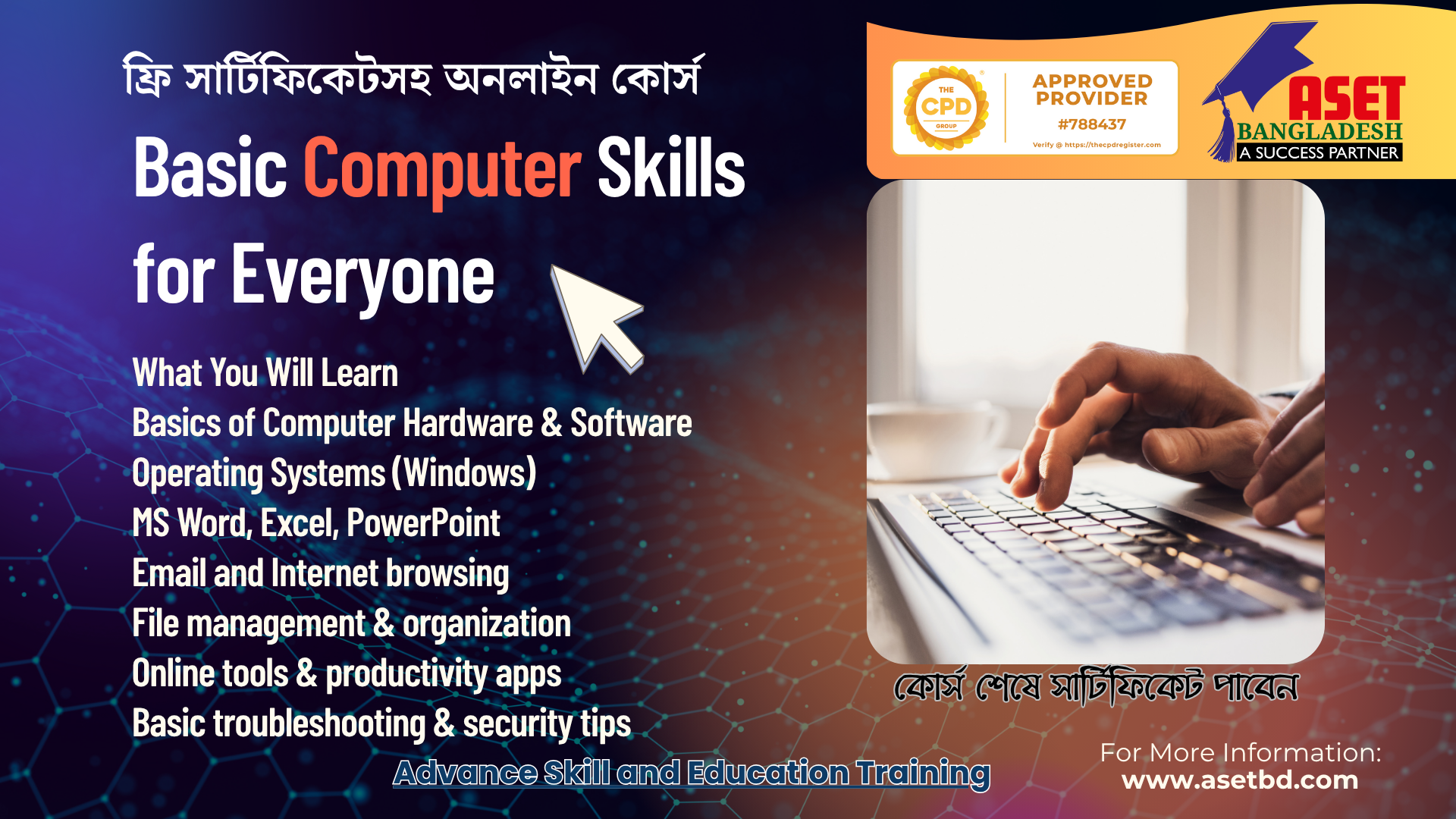
- Understand the parts and basic functions of a computer.
- Use keyboard, mouse, and operating system efficiently.
- Create, edit, and save files in Word & Excel.
- Browse the internet safely and responsibly.
🧠 Course Structure
Lesson 1 – Getting to Know Your Computer
Topics:
- What is a computer?
- Types of computers (Desktop, Laptop, Tablet)
- Basic parts (Monitor, CPU, Keyboard, Mouse, Printer)
- Input, Output, and Storage devices
- Turning a computer on/off safely
- Understanding the desktop, icons, and taskbar
Mini Quiz (5 Questions):
- Identify the main parts of a computer
- Which is an input device?
- etc.
Lesson 2 – Working with Files and Programs
Topics:
- What is an Operating System? (Windows basics)
- Opening and closing applications
- Creating folders and saving files
- Copy, Cut, Paste, and Rename
- Using MS Word for basic typing
- Introduction to MS Excel (simple data entry)
Mini Quiz (5 Questions):
- Shortcut keys, basic tasks, etc.
Lesson 3 – Internet and Online Safety
Topics:
- What is the Internet and how does it work
- Using a browser (Google Chrome/Edge)
- Searching safely on Google
- Creating and using email
- Avoiding online scams, phishing & fake websites
- Setting strong passwords
Mini Quiz (5 Questions)
- Safe browsing, email, and password questions.
🧾 Final Quiz (10 Mixed Questions)
Covers all 3 lessons.
Minimum pass mark: 70%
Course Features
- Lectures 3
- Quiz 1
- Duration Lifetime access
- Skill level All levels
- Language English
- Students 12
- Certificate No
- Assessments Self
- 4 Sections
- 3 Lessons
- Lifetime
Expand all sectionsCollapse all sections
- 💻 Lesson 1 – Getting to Know Your Computer1
- 💾 Lesson 2 – Working with Files and Programs1
- 🌍 Lesson 3 – Internet and Online Safety1
- 🧠 Final Quiz: Basic Computer Skills for Everyone1



1 Comment
Thanks